 Wakuoo
 Features Explained
A detailed look at every documented Wakuoo capability, from dual Android engines to phone mirroring.
Android 7 and Android 9 Engines
Wakuoo ships with two Android environments and deploys them automatically, so older and newer games each run on the version they were built for.
Two Android generations are bundled and deployed automatically. Older games that expect Android 7 stay compatible, and newer games that need Android 9 run without you installing a second emulator.
32-bit and 64-bit Games
The Android 9 engine handles 64-bit titles that older emulators reject, while 32-bit classics stay on Android 7.
Google Play increasingly requires 64-bit builds. Many older emulators only ran 32-bit Android, which blocked newer releases. The Android 9 engine removes that limit.
Automatic Engine Choice
Pick a game and the right engine is recommended for you. No manual compatibility research needed.
Instead of trial and error, Wakuoo recommends the engine each game needs. One click switches engines with no extra configuration.
Google Play Sources
Games come from sources verified by the Google Play Store, with the same updates you get on a phone.
Games are installed from Google Play-verified sources, so you get legitimate builds and normal updates instead of hunting for APK files.
Keyboard, Mouse and Gamepad
Map touch controls to keys, aim with the mouse, or use a controller. Layouts can be saved per game.
Assign keys to on-screen buttons, use WASD for movement and the mouse for aiming. Gamepads work too, with best results in games that support controllers natively.
Wakuoo-Mirror
Cast an Android phone to the PC over USB or Wi-Fi and control it with your mouse and keyboard, with audio routed to the desktop.
Mirror an Android phone to the PC over a USB cable or Wi-Fi and control it with mouse and keyboard. Useful for games already set up on your phone or titles that block emulators.
Intel and AMD Support
Built to work on both Intel and AMD processors, including the modest laptops many players already own.
Works on Intel and AMD processors. Enabling VT-x or AMD-V in firmware gives a noticeable speed boost on either brand.
Small Online Installer
A download of about 4.33 MB starts setup and fetches only the components your PC needs.
The download is small because components are fetched during setup. That keeps the first download quick and avoids pulling files your PC will never use.
Bring Your Game Account
Both Android and iOS players can sign in to their game accounts and continue progress on a bigger screen.
Log in with the same game account you use on Android or iPhone and continue your progress, provided the game supports cross-platform accounts.
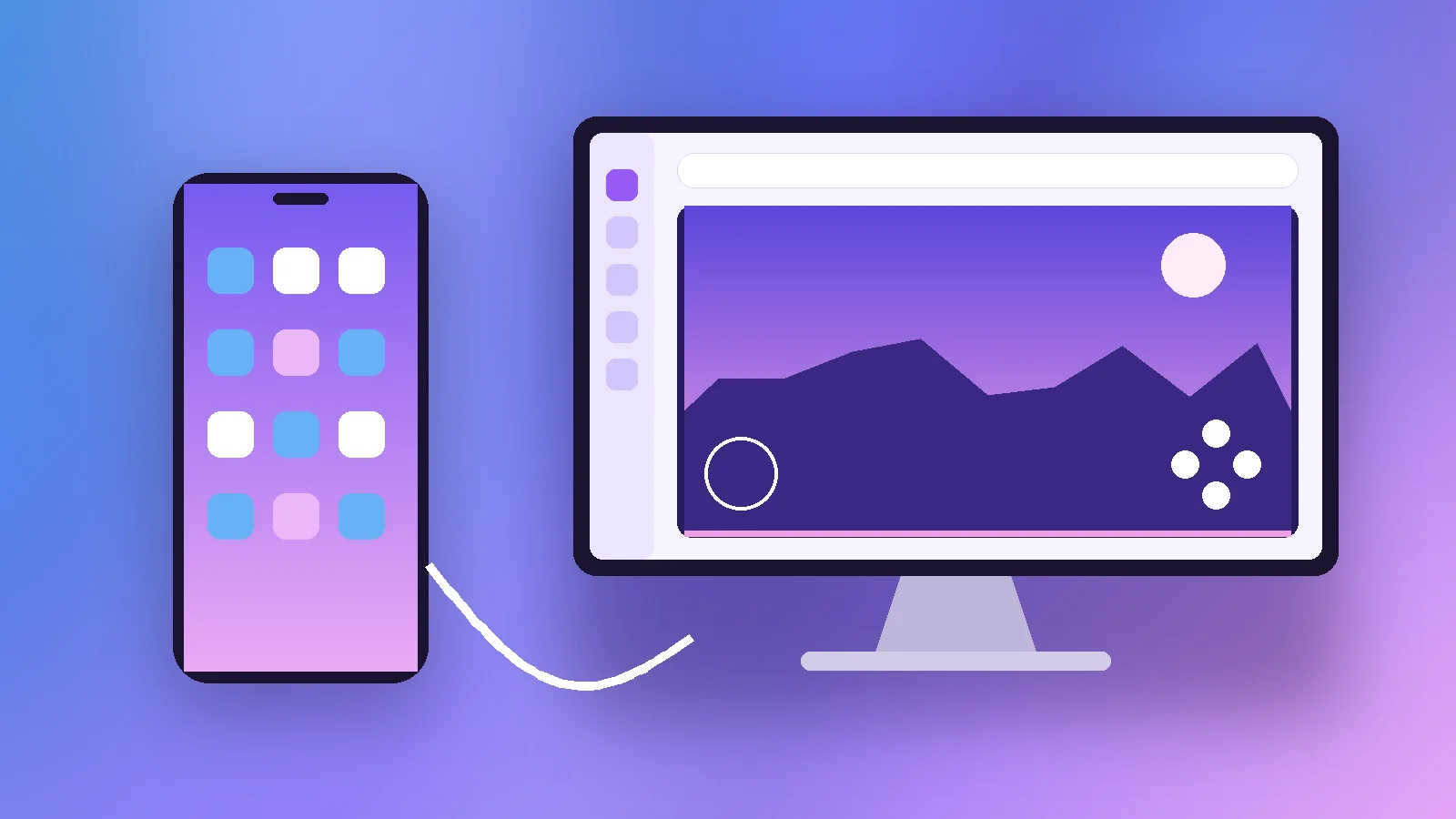
Wakuoo-Mirror in Practice
Wakuoo-Mirror connects a phone over USB (with USB debugging enabled) or over Wi-Fi when both devices share a network. Audio can be routed to the PC, so desktop speakers and headsets work.
USB gives the lowest delay for fast games, while Wi-Fi is more convenient for slower titles. Full setup steps are in our Wakuoo-Mirror guide.
Try These Features Yourself
Explore Wakuoo and download the GitHub ZIP archive.