 Wakuoo
 vs BlueStacks vs LDPlayer: Which Fits Your PC?
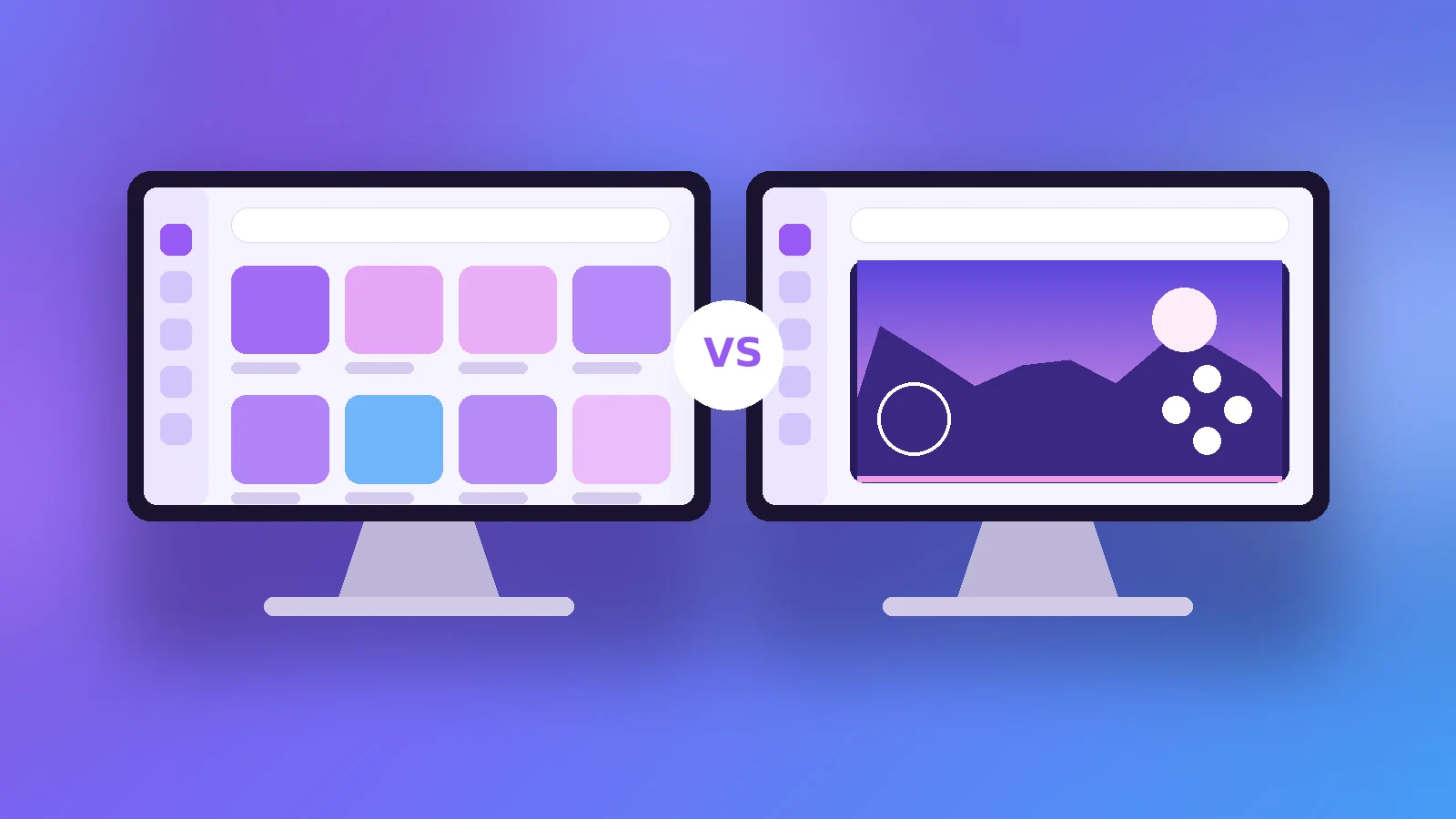
Wakuoo is a newer name in a field dominated by BlueStacks and LDPlayer. All three run Android games on Windows, but they make different trade-offs between simplicity, configurability and resource use. This comparison sticks to documented features so you can pick the one that fits your PC and the way you play.
The Three Emulators at a Glance
| Aspect | Wakuoo | BlueStacks | LDPlayer |
|---|---|---|---|
| Price | Free | Free (ad-supported options) | Free (ad-supported) |
| Host OS | Windows | Windows, macOS | Windows |
| Android engines | Android 7 and 9, chosen automatically | Several selectable versions | Several selectable versions |
| Strength | Simple, guided setup | Large feature set | Gaming tools, multi-instance |
A note on fairness
Emulators update often. Feature lists change, so check each project's site before deciding.
Setup and Ease of Use
Wakuoo
Wakuoo's selling point is simplicity: it picks the right Android engine for each game automatically and keeps settings to a minimum.
BlueStacks
BlueStacks offers a polished interface with many options, which suits users who like control but can feel busy for beginners.
LDPlayer
LDPlayer focuses on gaming with features such as multi-instance and macros, and exposes more technical settings.
Performance and Hardware
Lower-spec PCs
Wakuoo markets itself as suitable for weaker machines. LDPlayer is also known as lightweight. BlueStacks has historically been heavier but has improved.
Virtualization
All three benefit from hardware virtualization being enabled. See the Wakuoo emulator requirements guide for how to check it.
Features That Set Them Apart
Phone mirroring
Wakuoo includes Wakuoo-Mirror for casting and controlling a phone screen over USB or Wi-Fi, covered in our Wakuoo-Mirror guide.
Multi-instance and automation
BlueStacks and LDPlayer both offer multi-instance managers and macro tools aimed at power users.
Which Should You Choose?
Choose Wakuoo if
You want the shortest path from install to gameplay, with engine selection handled for you.
Choose BlueStacks if
You want a mature ecosystem, macOS support, or a large range of settings.
Choose LDPlayer if
You run several game accounts at once or rely on macros.
Verdict
There is no single winner. Wakuoo stands out for simplicity and its built-in mirroring; the others win on depth. Read the full alternatives comparison, or try Wakuoo from the download page.
Related Articles
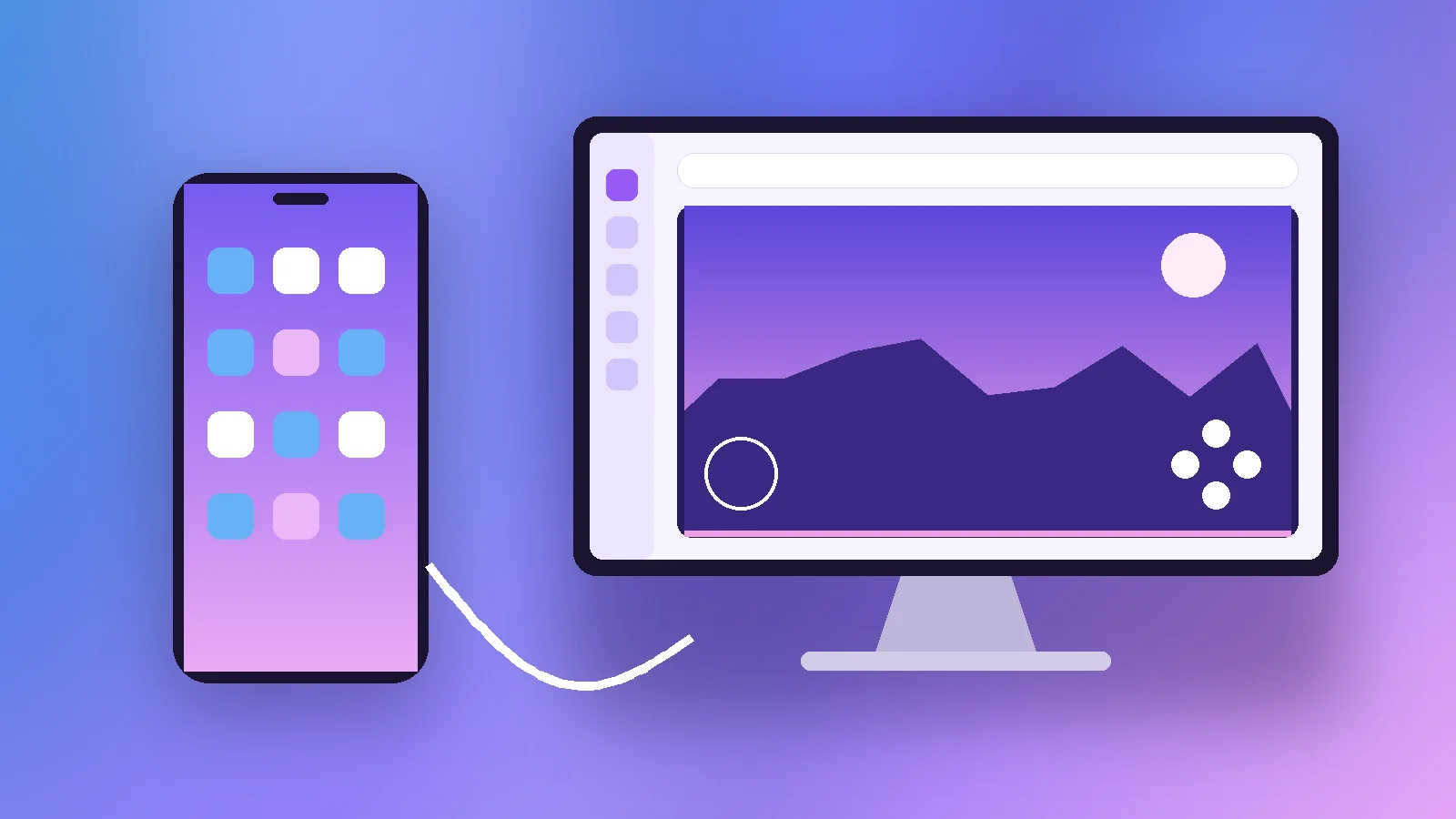
Wakuoo-Mirror: Cast and Control Your Phone Screen on PC
How Wakuoo-Mirror casts and controls an Android phone screen on your PC over USB or Wi-Fi, including audio, setup steps and common connection fixes.
Read article →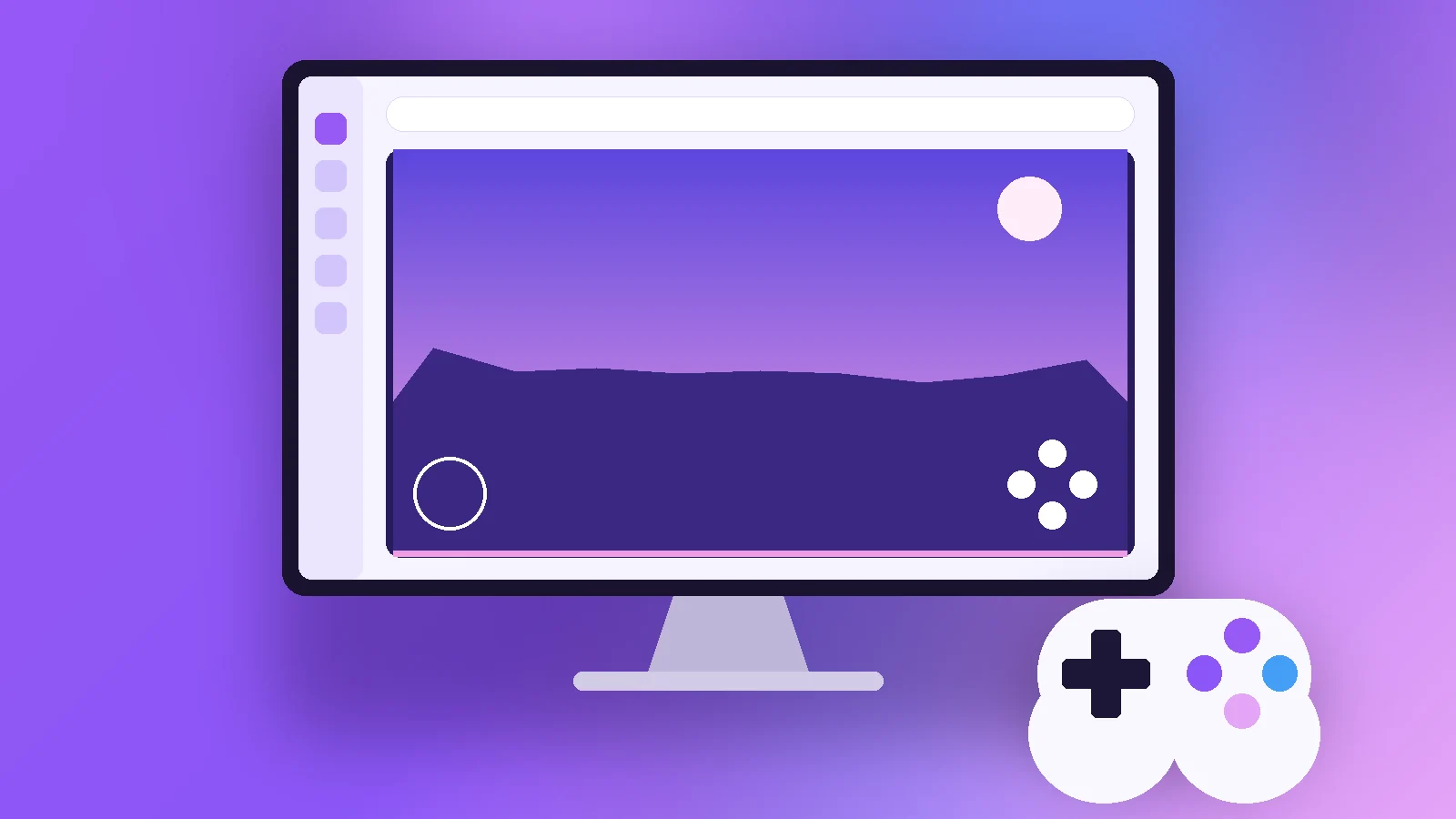
Wakuoo Games: What You Can Play on PC and How to Set It Up
A practical look at Wakuoo games: which genres work best on PC, how 32-bit and 64-bit titles are handled, and how to set up keyboard and gamepad controls.
Read article →
Wakuoo Emulator Lite: Running Wakuoo Smoothly on a Low-End PC
Looking for Wakuoo emulator lite? Learn why there is no separate lite edition and how to tune Wakuoo for low-end PCs with practical, tested settings.
Read article →